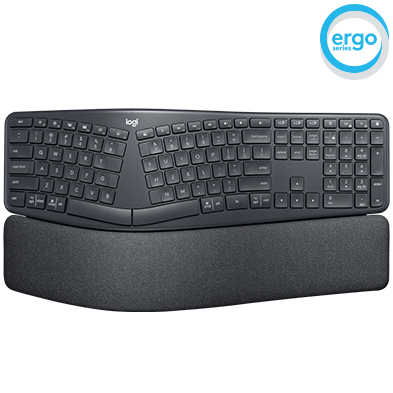
Setup Guidance | Troubleshooting | Video Support
ERGO K860 comes in a Standard (UNIFYING) and For Business (BOLT) version, indicated by the logos in the image below

For dedicated support for the Standard (UNIFYING) ERGO K860, please click here
For dedicated support for the For Business (BOLT) ERGO K860, please continue below or by using the menu options to the left
SETUP GUIDANCE
HARDWARE SETUP GUIDANCE
- How to pair and unpair a Logi Bolt keyboard using the Logi Bolt app
- How to pair and unpair a Logi Bolt device to Bluetooth on Windows
- How to pair and unpair a Logi Bolt device to Bluetooth on macOS
- I tried to use the Microsoft Windows dictation feature but my language is not supported. Now my typing is garbled or incorrect
SOFTWARE SETUP GUIDANCE
TROUBLESHOOTING
CONNECTIVITY TROUBLESHOOTING
- If you're having trouble connecting, please try this troubleshooting guide.
- Bluetooth mouse or keyboard not recognized after reboot on MacOS (FileVault)
HARDWARE TROUBLESHOOTING
SOFTWARE TROUBLESHOOTING
- How to troubleshoot Logi Bolt compatible devices on Windows and macOS
- How to check the app version and for updates in the Logi Bolt app
- How to stop the Logi Bolt app from running at startup in Windows
- How to stop the Logi Bolt app from running at startup on macOS
- How to change the Share diagnostics and usage data settings in the Logi Bolt app
- How to change language in the Logi Bolt app
- Toggle between multiple languages on iPadOS with an external keyboard
- External keyboard shortcuts for iPadOS
VIDEO SUPPORT
Frequently Asked Questions
There are no Downloads for this Product
There are no Downloads for this Version.
Compatible Product
