Clean your MK120 mouse sensor (shown below) with a soft cloth or a Q-tip.
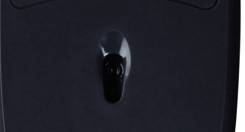
Try using your mouse on a piece of clean white paper to see if the surface may be the cause. If the mouse works well on the paper, use a mouse pad and avoid using your mouse on the following surfaces:
-
Glass or other transparent surfaces
-
Mirrors, metals or other reflective surfaces
-
Grained wood or other grooved surfaces.
Additional Information:
If the above solutions do not resolve your problem, you can contact Logitech Technical Support Here.
Frequently Asked Questions
There are no Downloads for this Product
There are no Downloads for this Version.
Compatible Product
