This issue is most likely configuration related. Check the mouse button and program settings in Logitech Mouse and Keyboard software (SetPoint) as described below:
NOTE: SetPoint will show your MK120 as Optical Mouse.
-
Launch SetPoint (Start > Programs > Logitech > Mouse and Keyboard > Mouse and Keyboard Settings).
-
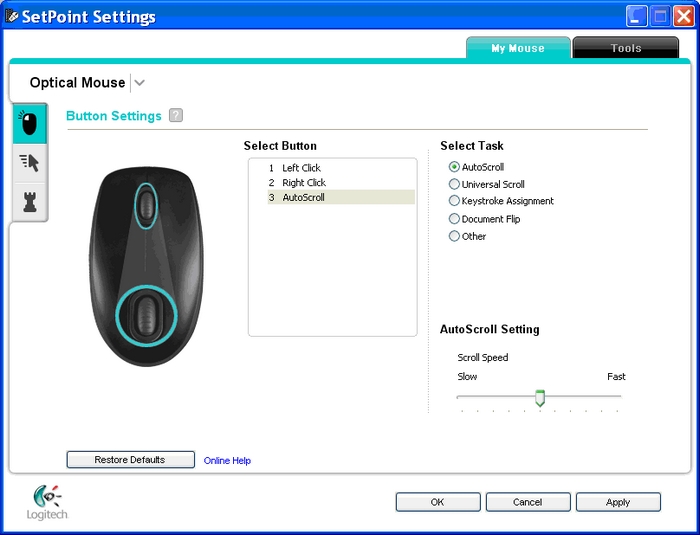
Click My Mouse tab at the top and choose Optical Mouse from the Select Mouse drop-down menu (shown below):
-
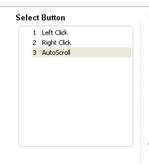
Choose the mouse button you wish to customize in the Select Button field:
-
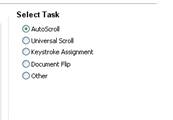
Choose the task you wish to assign in the Select Task field:
-
Click Apply to save your settings. Click OK to exit SetPoint.
Additional Information:
If the above solutions do not resolve your problem, you can contact Logitech Technical Support Here.
Časté otázky
There are no Downloads for this Product
There are no Downloads for this Version.
Compatible Product
